Signing Up for Cura
Create your Cura account and get started with inventory management for your home staging business.
1 min read·Updated 2026-02-10
Creating Your Account
To get started with Cura, navigate to the signup page and create your account.
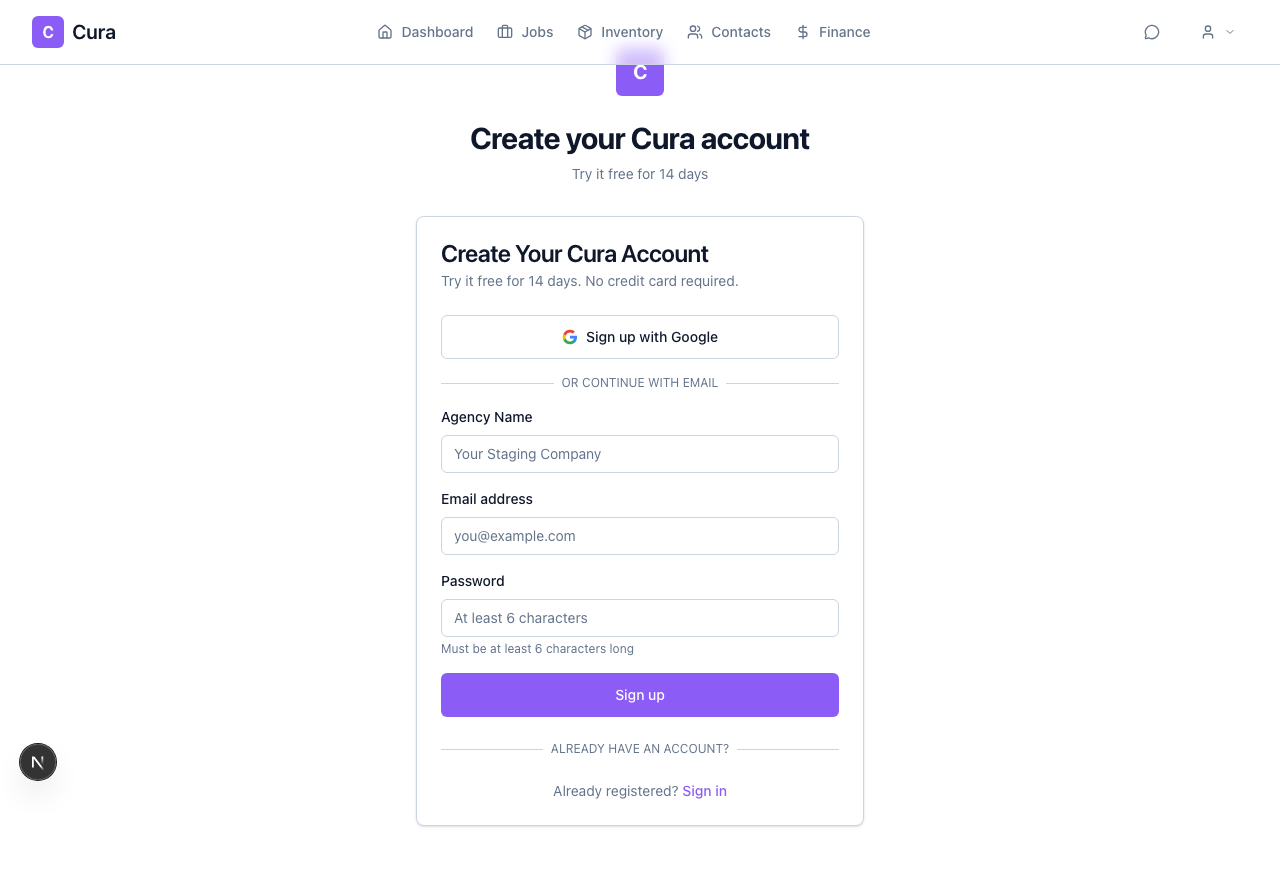
You can sign up using your email address and a password, or use Sign in with Google for a faster setup.
Email Signup
- Enter your full name
- Enter your email address
- Choose a strong password
- Click Sign Up
Google Signup
Click Sign in with Google to use your existing Google account. This is the fastest way to get started.
Completing Your Profile
After signing up, you'll be asked to complete your profile with your business details.
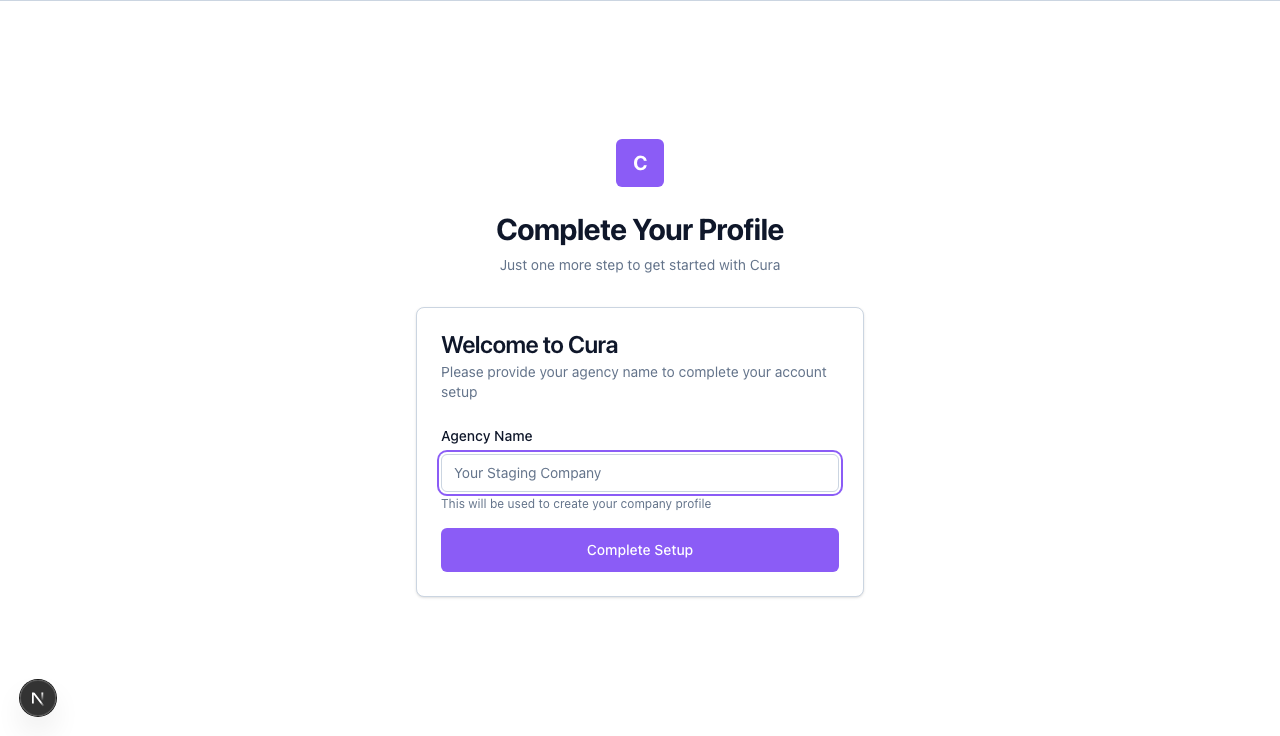
Fill in your:
- Company name — Your staging business name
- Phone number — For contact purposes
- Business address — Your primary business location
Once your profile is complete, you'll be taken to your dashboard where you can start adding inventory, creating jobs, and managing your staging business.
Next Steps
- Navigating the Dashboard — Learn your way around
- Adding Assets — Start building your inventory
- Creating a Job — Set up your first staging project