Editing Contacts
Update a contact's name, type, email, phone, address, and organization in Cura.
Where You Can Edit a Contact
You can edit a contact in two places:
- Contacts list — Click the Edit (pencil) action on a contact row to open the full edit form in a side sheet.
- Contact detail page — Open a contact from the list, then edit the name or type inline, or click Edit to open the same full edit form.
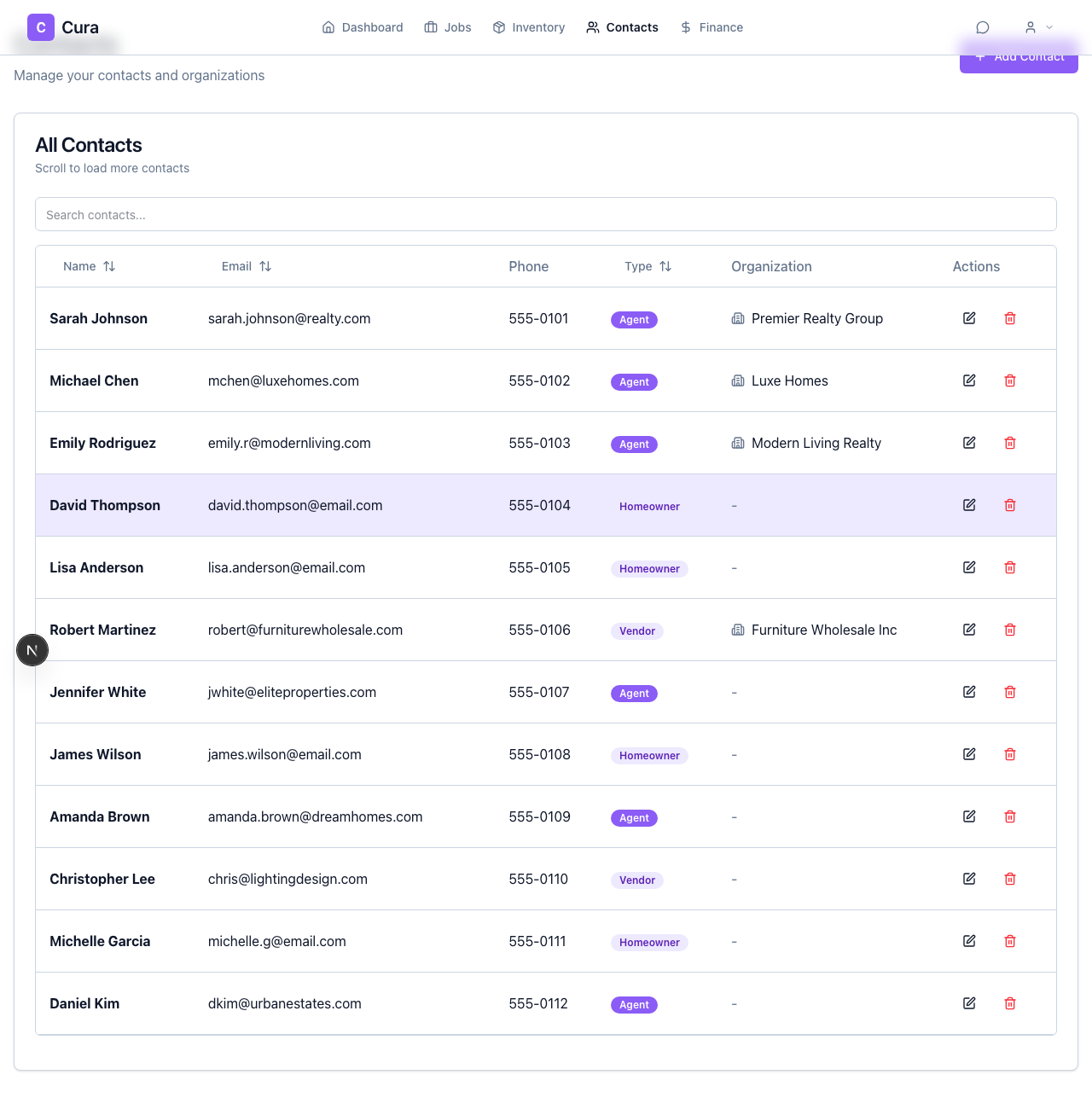
Full Edit (Name, Email, Phone, Address, Type, Organization)
Use the Edit action (pencil icon or Edit button) to open the edit sheet. There you can change:
- Name
- Type — Agent, Homeowner, or Vendor
- Phone
- Address — Street, line 2, city, state, zip, country
- Organization — Link to an existing organization or clear the link
After making changes, save. The contact is updated everywhere it’s used (contacts list, contact detail, and any jobs they’re assigned to).
Quick Edits on the Contact Detail Page
When you open a contact (click the contact in the list to go to their detail page):
- Name — Click the name to edit it inline; save or blur to apply.
- Type — Use the type dropdown (Agent / Homeowner / Vendor) to change it without opening the full form.
These quick updates are saved immediately. For all other fields, use Edit to open the full form.
Deleting a Contact
From the Contacts list, use the Delete (trash) action on the contact row. Confirm in the dialog. The contact is removed from your company’s contacts and will no longer appear in the list or in contact search; references on past jobs may still show the contact name for history.
Next Steps
- Creating Contacts — Add new agents, homeowners, and vendors.
- Adding Contacts to Jobs — Assign contacts to a job and set roles.